
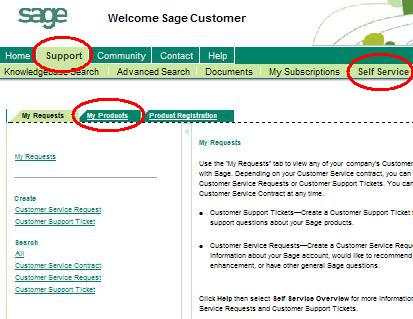
- Click Support, Self Service, then My Products
- Click Details Sheet
- Click Show Advanced Search
- Click Go
- Click your customer number
- Click the Product Details tab
 If you get a blank screen after clicking Self Service,
configure your browser using these instructions.
If you get a blank screen after clicking Self Service,
configure your browser using these instructions.
